
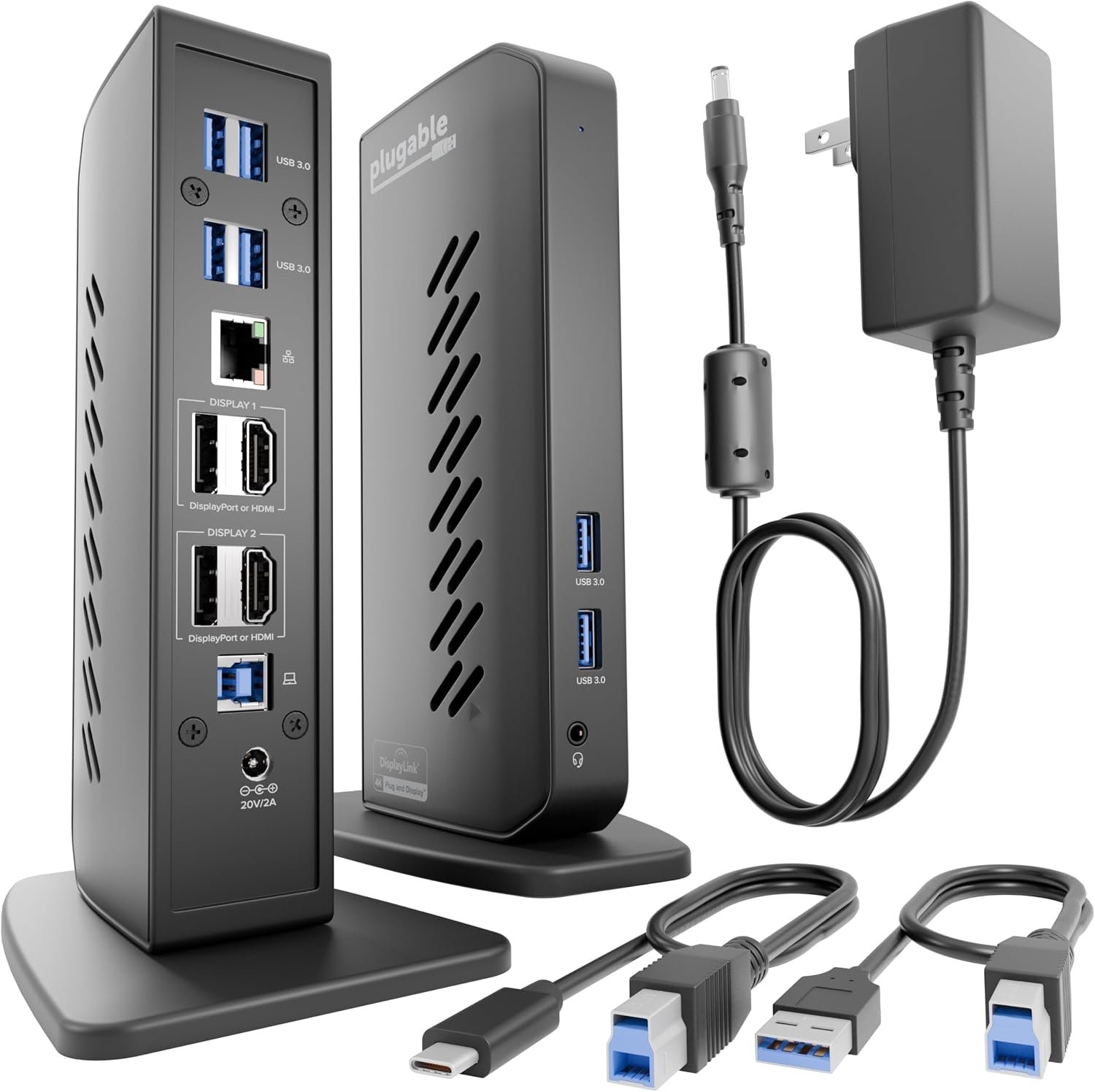
Plugable Dual DisplayPort & HDMI Docking Station – USB 3.0 & USB-C Laptop Dock for Dual Monitors, DisplayLink, Mac (Driver Required), ChromeOS & Windows, Gigabit Ethernet and Audio (UD-6950Z)
$149.99
Related Products




Product description
How to Install DisplayLink Driver for macOS
The video showcases the product in use.The video guides you through product setup.The video compares multiple products.The video shows the product being unpacked. How to download displaylink software
The UD-6950Z makes it easy to set up dual external displays on macOS using DisplayLink, supporting resolutions up to 4K @ 60Hz. This is a game changer for Mac chipsets that limit external displays.
The required installation is simple – just download and install the DisplayLink Manager application.


1 Dual 4K
2 DisplayLink Technology
3 USB-C / USB-A Host
4 Port Layout


Built on DisplayLink for better compatibility. Even extends screens on M1, M2, M3, M4 MacBooks.

2x HDMI 2x DisplayPort 6x USB 3.0 1x Combination Audio Jack 1x Gigabit Ethernet

1 Transition Proof
2 Deployment Setup
3 What’s Included
4 Why Plugable
Dual 4K displays Up to two 4K@60Hz displays via either HDMI or DisplayPort 6x USB 5Gbps Standard USB-A 5Gbps ports Host Connection USB 3.0 or USB-C connection to host, two different USB cables provided 1x 3.5mm Audio Jack TRRS Headset port, supports stereo stereo speakers/headphones or combination headsets
How can I tell if the UD-6950Z docking station is compatible with my computer?
Most modern computers running Windows, macOS and ChromeOS that have an available USB-A or USB-C port are compatible with the UD-6950Z
What operating systems are the UD-6950Z docking station compatible with?
Windows 10 or later, macOS 11 or later (driver installation required), and ChromeOS version 100 or later
Does the UD-6950Z docking station require software or a driver download?
Yes, DisplayLink software must be installed on a Windows or Mac computer. This process is typically automatic on Windows, but must be manually installed on macOS. No installation required on ChromeOS.
How can I tell if my monitors are compatible with the UD-6950Z docking station?
The UD-6950Z supports up to two 3840×2160 resolution 60Hz refresh rate monitors. The UD-6950Z provides two video output groups, each with a choice of a DisplayPort or HDMI video output port.
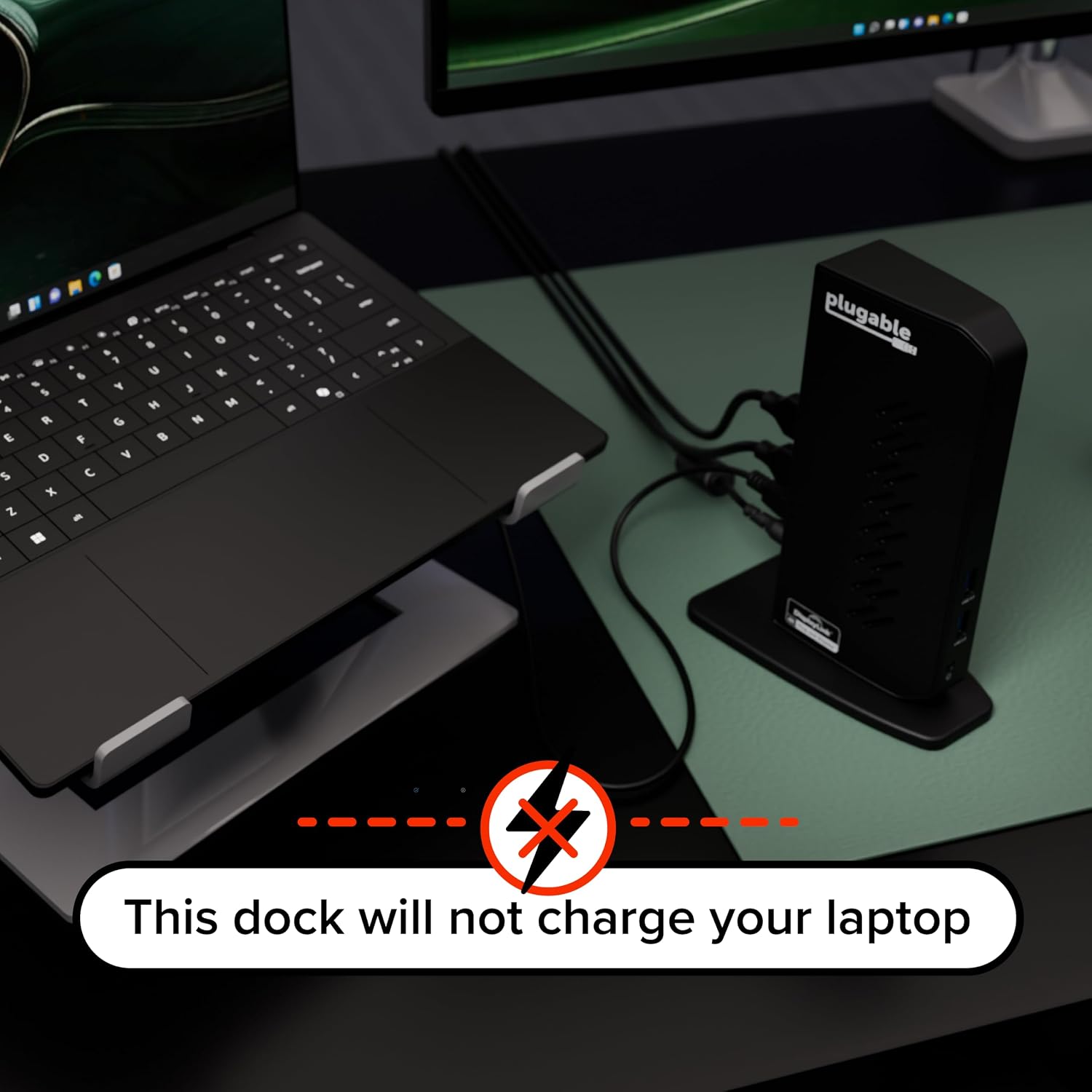
Does the UD-6950Z charge the host computer?
No, the UD-6950Z does NOT charge the host computer. An alternative that will charge the host computer is the the Plugable UD-6950PDH docking station
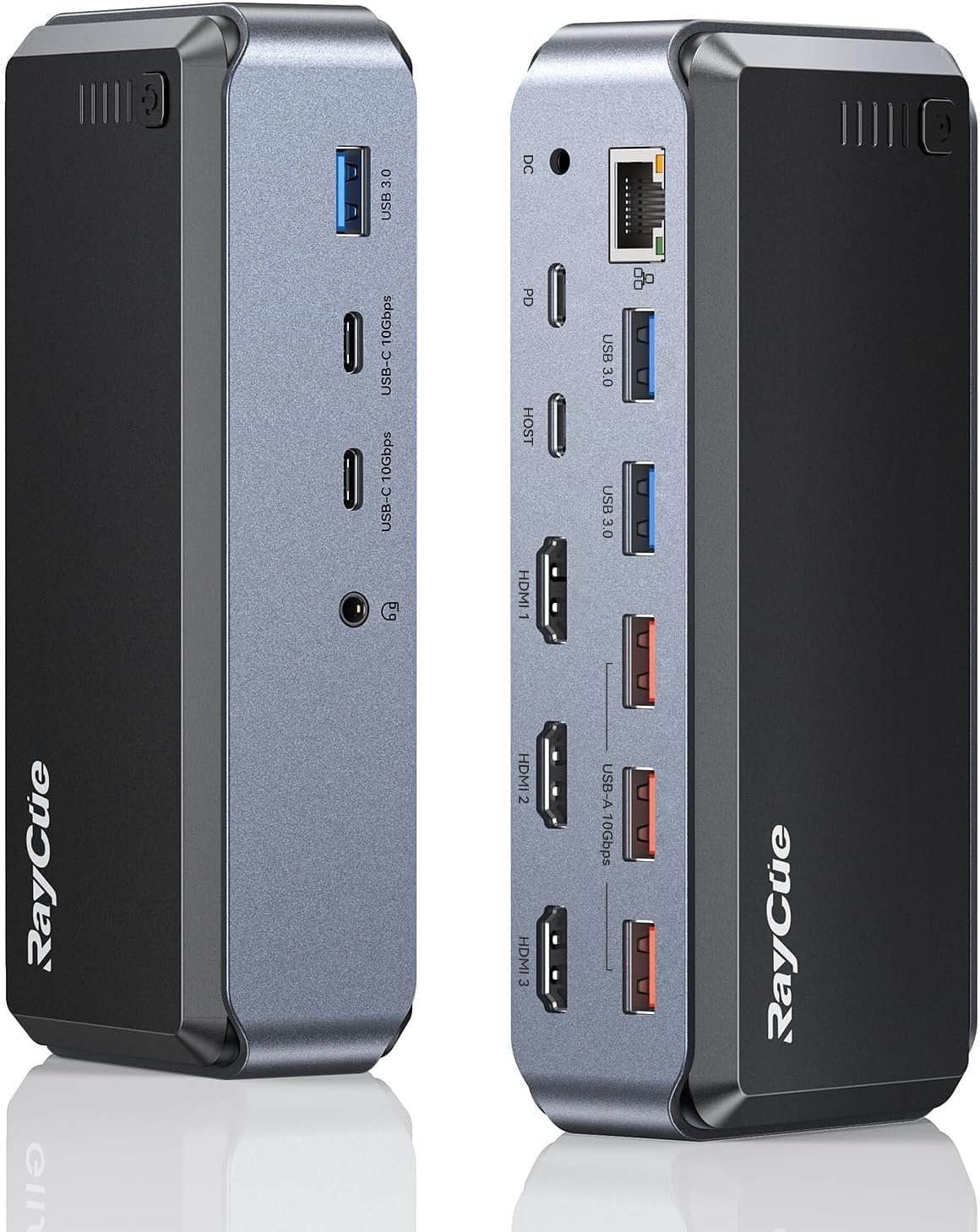
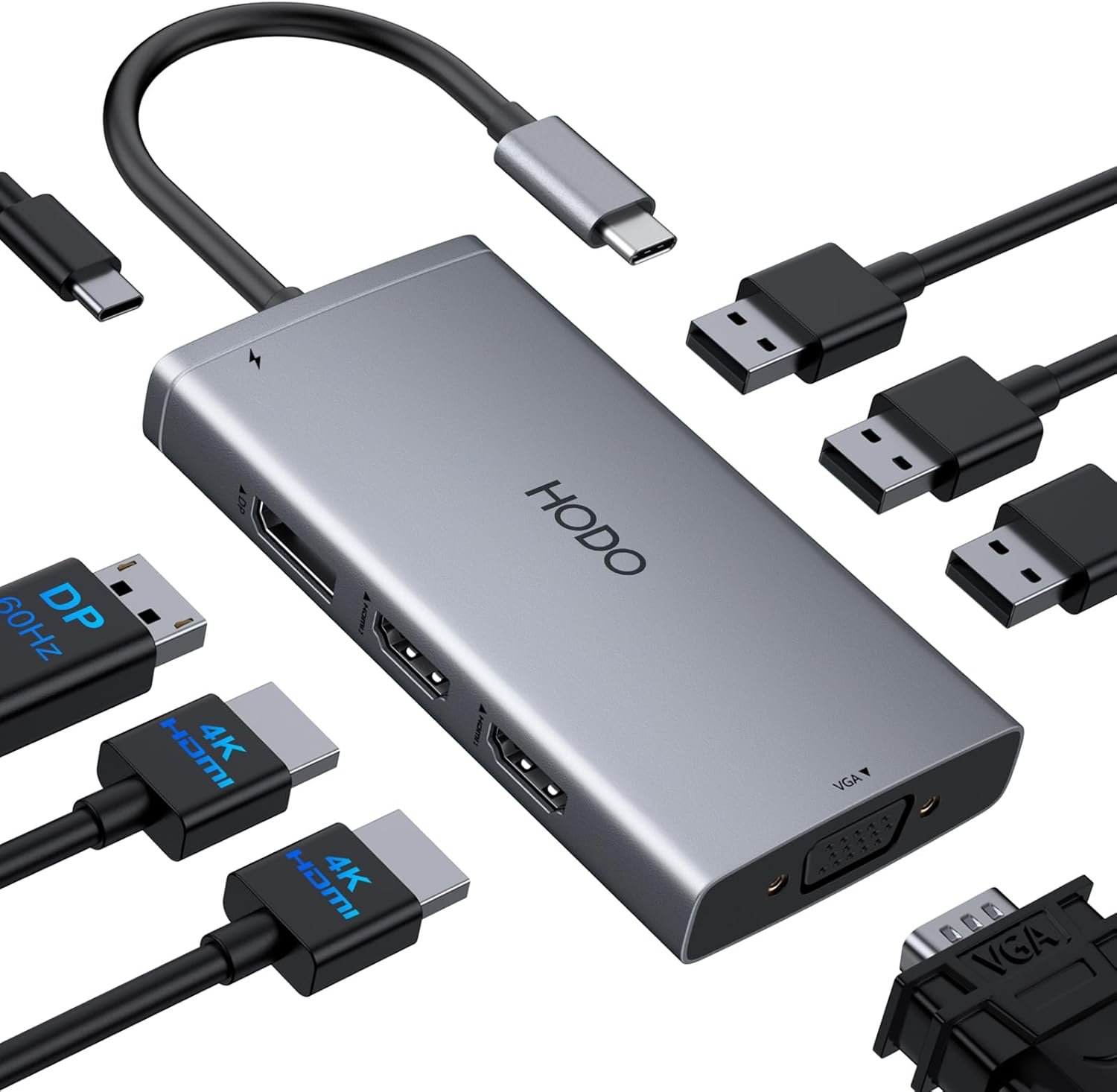
Plugable Docking Stations
Add to Cart
Add to Cart
Add to Cart
Add to Cart
Customer Reviews
4.4 out of 5 stars 1,694
4.4 out of 5 stars 323
4.5 out of 5 stars 1,991
4.5 out of 5 stars 1,922
Price
$149.99$149.99
$199.99$199.99
$112.95$112.95
$95.99$95.99
# of Displays
2
2
2
2
Video Ports
2x HDMI 2.0,2x DisplayPort 1.2
2x HDMI 2.0,2x DisplayPort 1.2
2x HDMI 1.3
2x HDMI 1.3
Max Resolutions Supported
2x 4K 60Hz
2x 4K 60Hz
2x 1920×1200 @ 60Hz
2x 1920×1200 @ 60Hz
# of USB Ports
6
5
6
6
USB Port Specifications
All USB 3.0
5x USB 3.0, 1x USB-C
2x USB 3.0 front, 4x USB 2.0
2x USB 3.0, 4x USB 2.0
Laptop Charging
No
Yes
No
No
Host Connection
USB 3.0 and USB-C
USB-C
USB 3.0 and USB-C
USB 3.0 and USB-C
Flexible Expandability: This versatile laptop docking station dual monitor setup includes dual HDMI and DisplayPort outputs, Gigabit Ethernet, audio jack, and six USB 3.0 ports. It supports both USB-C and USB 3.0 host connections – making it the perfect USB docking station for expanded connectivity.
Dual 4K Monitors with HDMI and DisplayPort: Enjoy ultra-clear visuals with support for two 4K monitors via DisplayLink docking station technology – outputting 3840×2160 @ 60Hz using DisplayPort or HDMI. Ideal for multitasking and boosting productivity.
Optimized for Work, Not Gaming: Best suited for web browsing, productivity, and office applications. This laptop dock does not support gaming or protected content (HDCP) playback, such as Netflix, Hulu, etc.
Compatibility: Compatible with Windows 11/10/8.x/7, macOS 10.14+ (driver required) and ChromeOS 100+. This laptop docking station offers plug-and-play functionality for Windows and ChromeOS. Not compatible with Linux; manual driver installation required on Mac. Please note, this docking station does NOT charge the host computer
Transform Your Workspace with Dual Monitors: Enhance your setup with a sleek vertical USB dock that supports dual monitor displays. Ideal for professionals using Windows, macOS, or seeking a reliable ChromeOS docking station experience with 4K productivity and clean cable management.
13 reviews for Plugable Dual DisplayPort & HDMI Docking Station – USB 3.0 & USB-C Laptop Dock for Dual Monitors, DisplayLink, Mac (Driver Required), ChromeOS & Windows, Gigabit Ethernet and Audio (UD-6950Z)
Add a review
$149.99
Sharon –
J Wright –
Allison Rodgers –
Alondra –
W. L. Asher –
M. Elizalde –
Trevor Huff –
Douglas34 –
Amazon カスタマー –
Stephen Bitting –
Ricardo Pucinelli –
Tomas Fragoso –
Amazon Customer –